
MSP Workbench
Run common MSP tasks across your tenants with one MSP credential
Source CodeYou can find the full source code and documentation for this workflow on GitHub: MSP Workbench
MSP Workbench runs common MSP tasks across your tenants with one MSP credential, from a web UI or the command line. Every write goes through a read-only review and a single confirmation.
NoteThis is a proof of concept built on PyCentral. Use it as a reference for your own MSP integrations, not for large-scale production use.

MSP Workbench flow
Each task has its own guide:
| Guide | What it does |
|---|---|
| Create MSP Tenants | Create tenant workspaces and provision Central |
| Add Devices to MSP Inventory | Add serial number and MAC address pairs to MSP inventory |
| Assign Inventory to Tenants | Assign MSP-owned devices and subscription keys to existing tenants |
| Monitor Tenants | View sites, devices, clients, and alerts across tenants |
| Subscription Burndown | See month by month which devices lose subscription cover |
Prerequisites
- uv. The workflow requires Python 3.10+, which uv installs on demand.
- An HPE GreenLake MSP workspace with an API client credential.
Installation
- Clone the repository and enter the workflow:
git clone -b v2 https://github.com/aruba/central-python-workflows.git
cd central-python-workflows/msp-workbench- Create the environment and install the dependencies:
uv venv --python 3.12
uv pip install -r requirements.txt
Credentials
MSP Workbench needs three values:
- Client ID and Client secret: a GreenLake API client credential created at the MSP workspace level.
- Workspace ID: the ID of the MSP workspace itself, not a tenant's.
TipThe MSP token exchange guide covers how to create an API credential and finding your MSP workspace ID.
You never enter a Central base URL; the cluster is found automatically.
In the web UI, enter them on the sign-in screen.
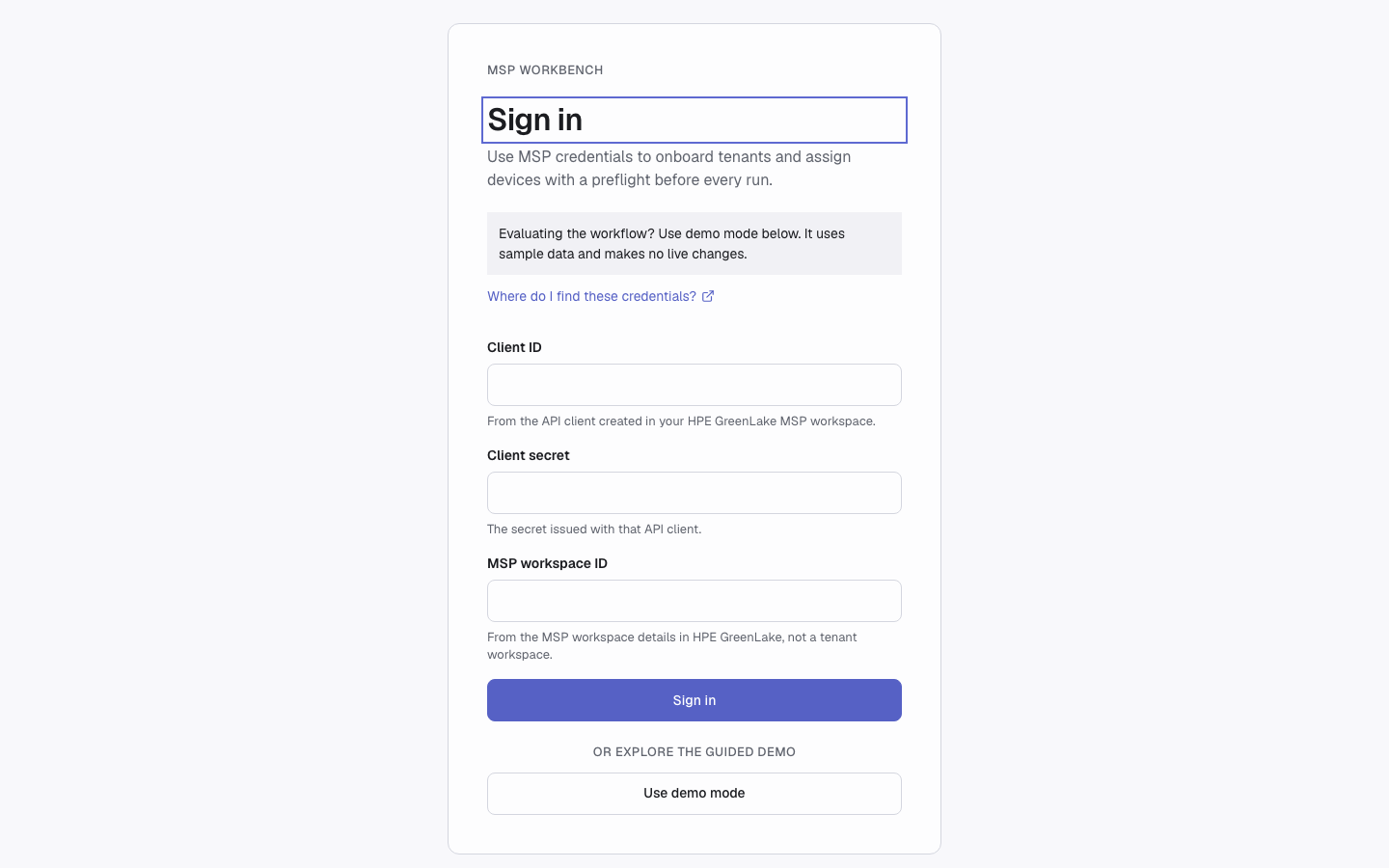
Sign-in screen
The command line reads them from token.yaml in the directory you run it from. Copy token.yaml.example to token.yaml and fill it in:
unified:
  client_id: <your-glp-client-id>
  client_secret: <your-glp-client-secret>
  workspace_id: <your-msp-workspace-id>  # the MSP workspace, not a tenant's
Start the Workbench
Start the server from the msp-workbench directory, then open http://127.0.0.1:8000/:
uv run python server.py| Option | Default | Description |
|---|---|---|
--host | 127.0.0.1 | Address to listen on |
--port | 8000 | Port to listen on |
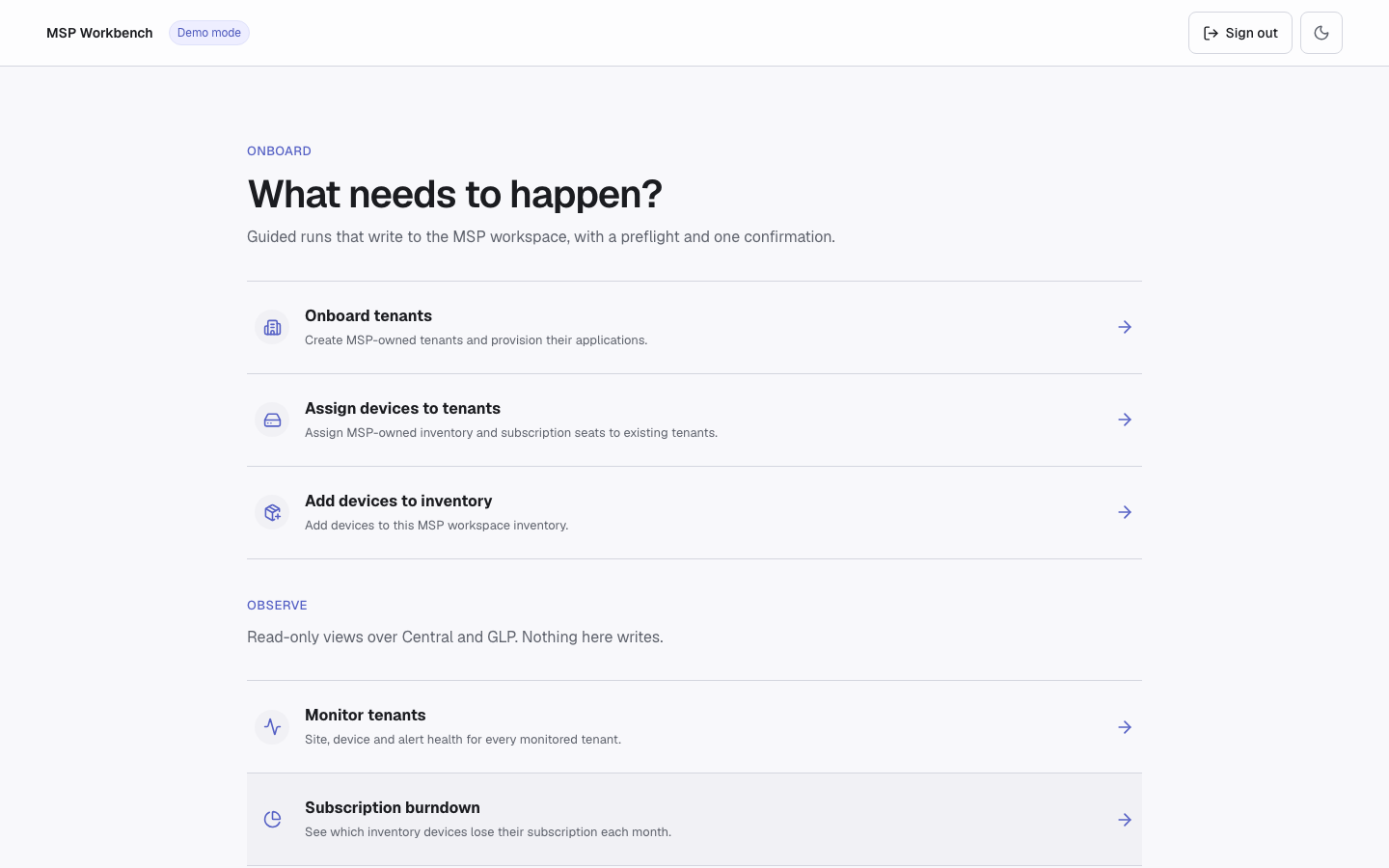
MSP Workbench hub
Demo Mode
Demo mode uses a fixed sample catalog, needs no credentials, and makes no live changes. The catalog has sample tenants, devices, and subscription keys that cover valid, insufficient-capacity, expired, not-yet-valid, and ineligible cases, plus Central data for monitoring.
- Web UI: choose Use demo mode on the sign-in screen.
- Command line: add
--demoto any command.
Run a Job
Creating tenants, adding inventory, and assigning inventory all run the same way.
- Review. Click Run preflight. This read-only check shows what will be written, what is already done, and what is blocked.
- Confirm once. The confirm button, marked DEMO or LIVE WRITES, starts the run.
- Watch the run. Progress updates as each step finishes. Leaving the page does not stop the run.
- Stop, if needed. Stop after current step ends the run. You can't resume it; unprocessed items are marked skipped.
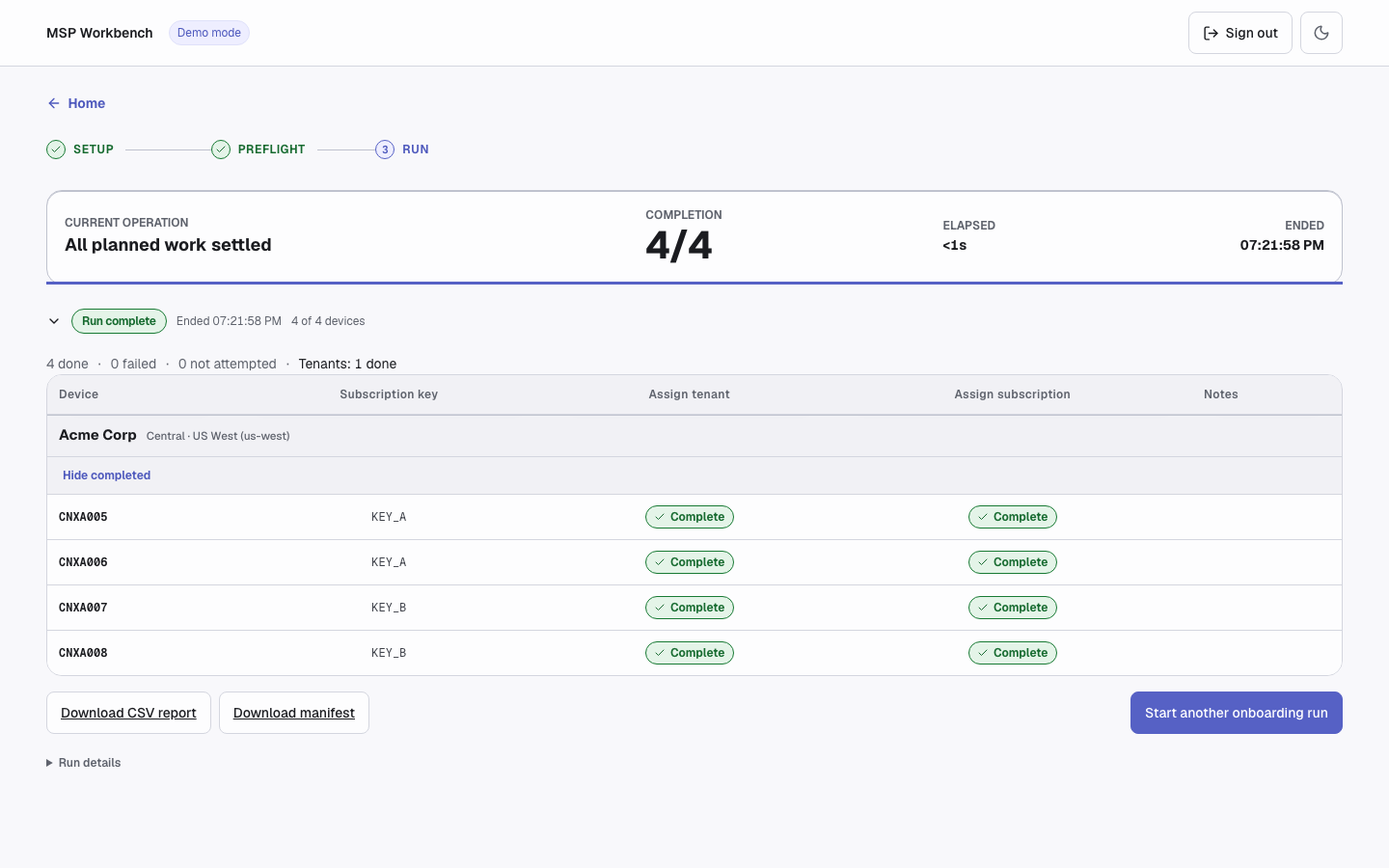
Live run
Writes go out in batches of five, and one job runs at a time. Jobs are kept in memory, so restarting the server loses them.
When the run ends, download its reports:
| Report | File | Contents |
|---|---|---|
| Download CSV report | onboarding-job-{id}.csv | Per-device results of the run |
| Download failed devices | onboarding-job-{id}-failed-devices.csv | Only the devices that did not finish |
| Download manifest | JSON manifest | The confirmed job, which the command line can plan and run again |
To retry, fix the cause, then import the failed-devices CSV in the task's CSV import panel. The new run goes through review and confirmation again. Work that already finished is re-checked, not repeated.
Common results when a run writes devices:
| Code | Next step |
|---|---|
permission_denied | Ask a GreenLake admin for edit permission. |
rate_limited | Wait a few minutes. |
transport_error | GreenLake did not respond; nothing is wrong with the devices. |
ambiguous_write | GreenLake never confirmed the write; finished writes are re-checked, not repeated. |
auth_required | Sign in again. |
stopped | You stopped the run; nothing to fix. |
Command Line
The command line offers the same tasks, for example:
uv run python workbench.py --demo list tenantslist accepts tenants, services, devices, or subscriptions. These global flags go before the command:
| Flag | Description |
|---|---|
--demo | Use the demo catalog instead of token.yaml |
--verbose | Show PyCentral INFO logs on stderr |
--format json|table | Output format (default json) |
--fields PATHS | Comma-separated fields to keep in each list item, e.g. workspace_name,address.city |
--limit N or --limit SECTION=N | Cap every list, or one section; repeatable |
--out PATH | Write the output to a file and print a short receipt |
Errors are printed as one JSON line on stderr with code, message, and hint. Exit codes:
| Code | Meaning |
|---|---|
0 | Success |
1 | Local failure, such as a missing token.yaml or an invalid manifest |
2 | Usage error, or confirmation required |
3 | Not found, such as an unknown tenant |
4 | Authentication or GreenLake/Central failure |
Troubleshooting
| Problem | Fix |
|---|---|
| Sign-in fails with 401 | GreenLake rejected the credentials. Check the client ID, client secret, and that the workspace ID is the MSP workspace's, not a tenant's. |
| Sign-in fails with 409 | You cannot change sign-in while a job is queued or running. Wait for it to finish, or stop it. |
| Sign-in fails with 502 | GreenLake or Central returned an error. Read the message, then try again. |
| Port 8000 already in use | Start the server on another port, e.g. uv run python server.py --port 8001. |
| UI returns 503 | The built UI (static/) is missing from your checkout. Restore it with git checkout -- static, or rebuild it with cd frontend && npm install && npm run build. |
| A job disappears after a server restart | Jobs aren't saved across restarts. Download reports first; after a restart, check GreenLake before re-running. |
| A run is slow or failing | Start with MSP_API_DIAGNOSTICS=1 uv run python server.py and attach the MSP_API_DIAGNOSTICS lines from stderr (no secrets included). |
Support
- Automation Team: [[email protected]](mailto:[email protected])
- Workflow Issues: GitHub Issues
- PyCentral Library: PyCentral Issues
Updated 21 days ago